

How teachers control the tablets in class
Click or tap a step to try it.
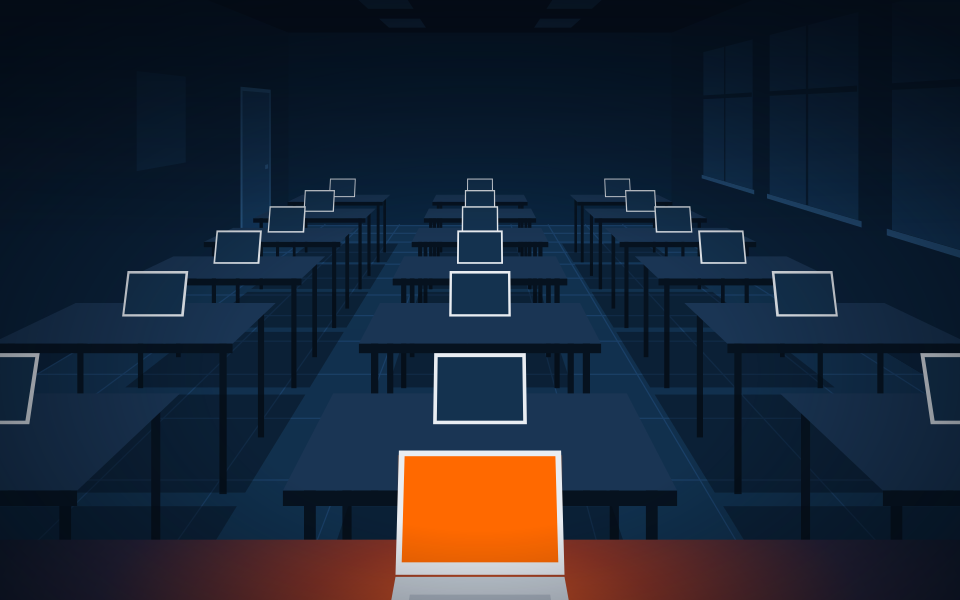
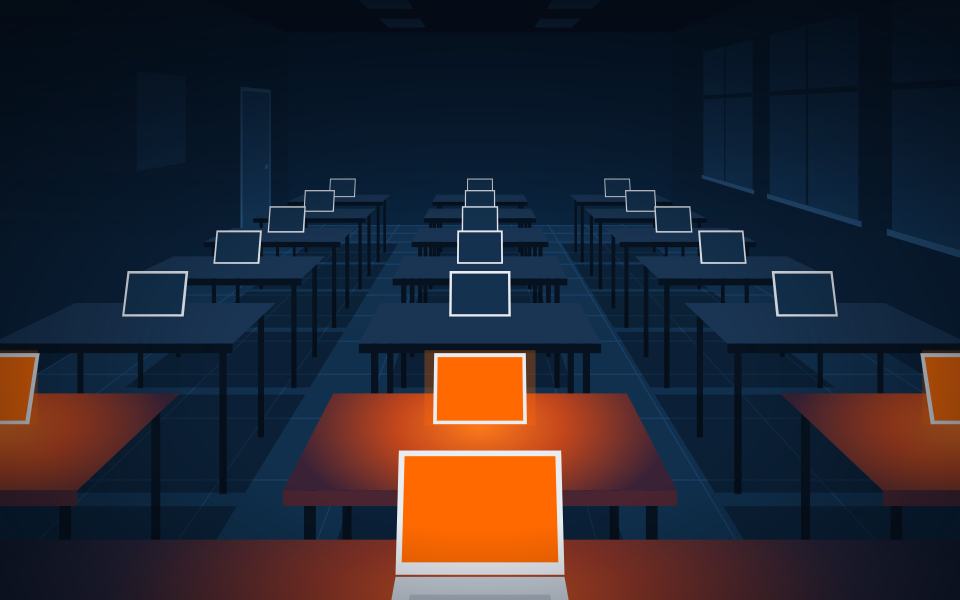
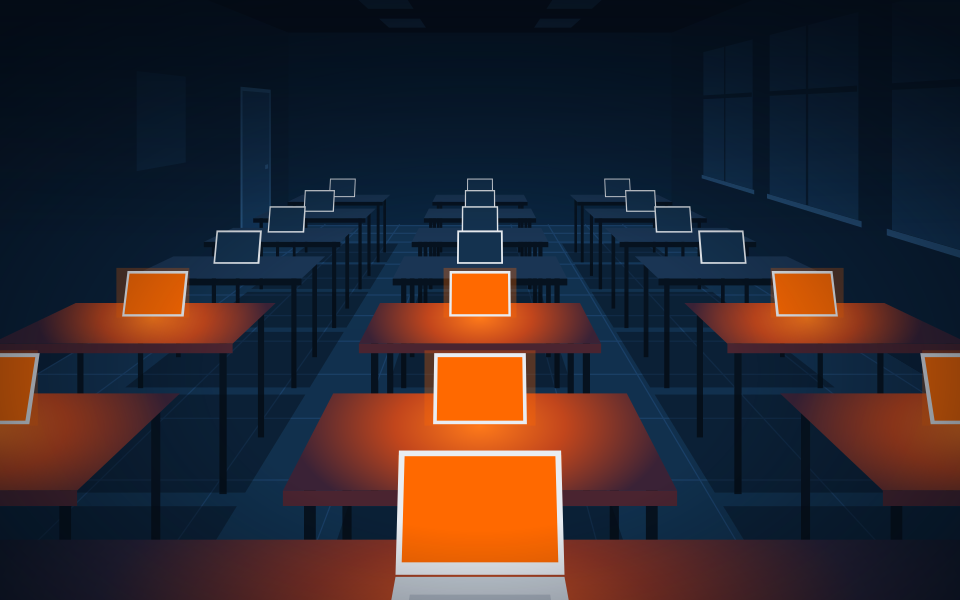
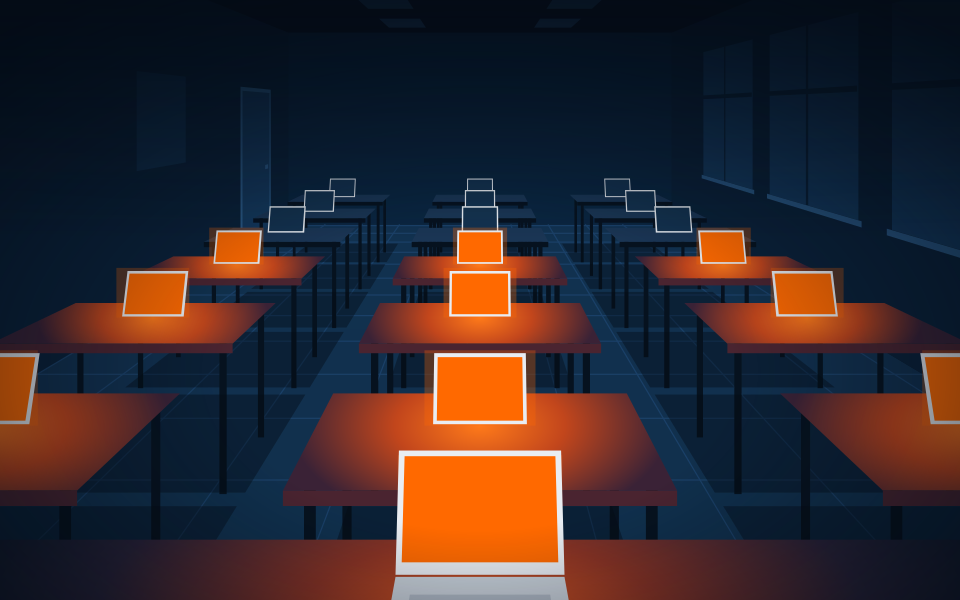
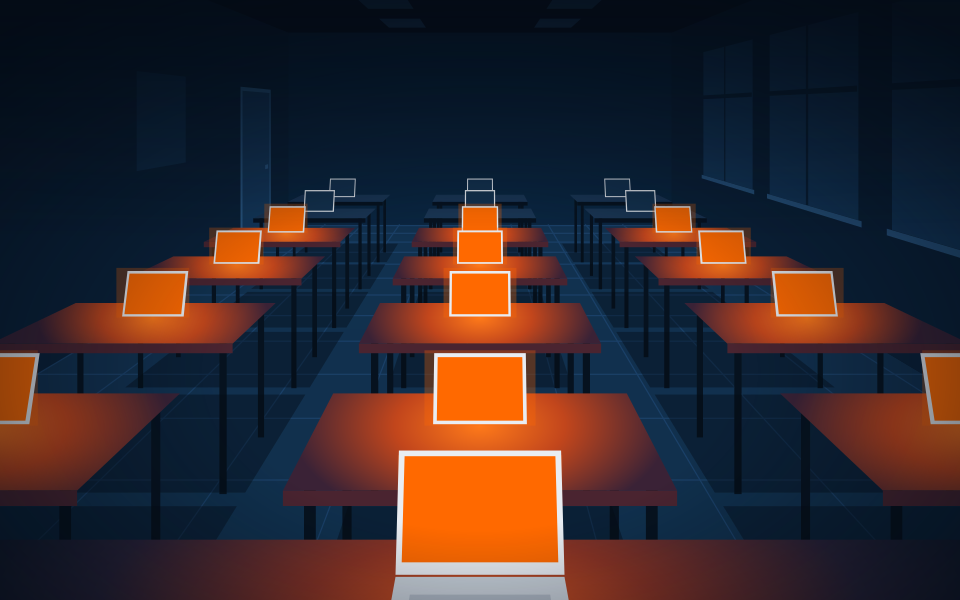
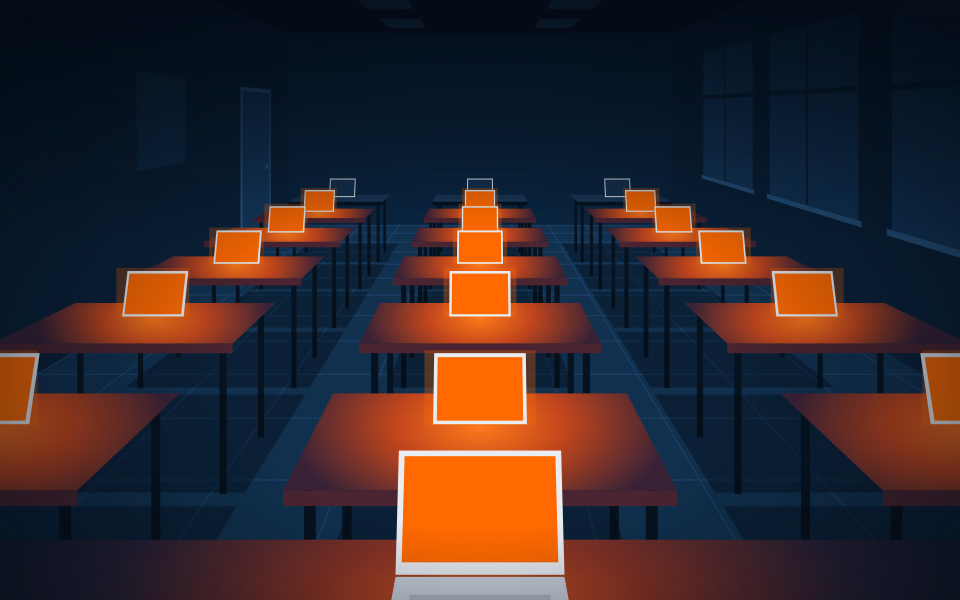
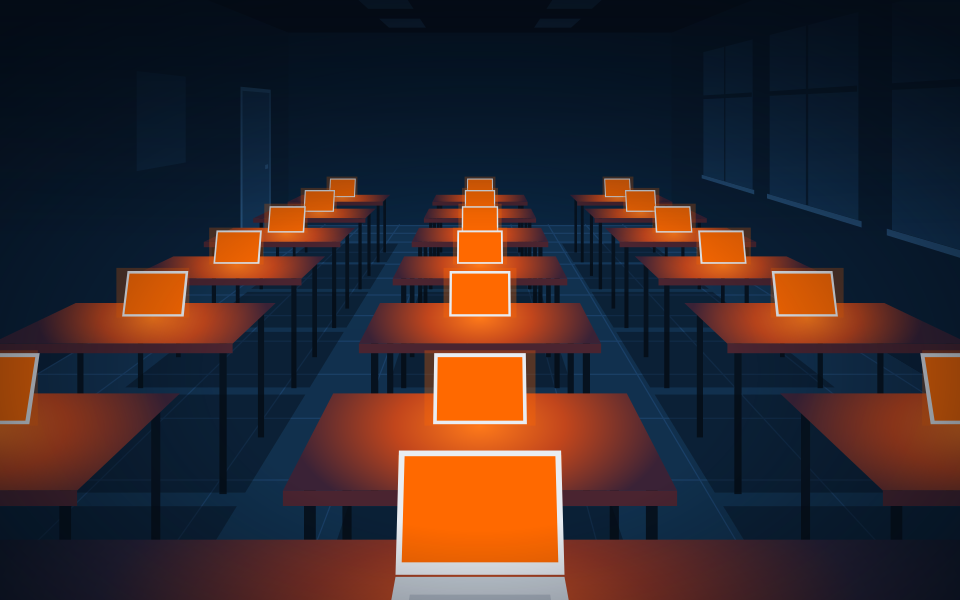
The teacher chooses the profile, the tablets are still free.
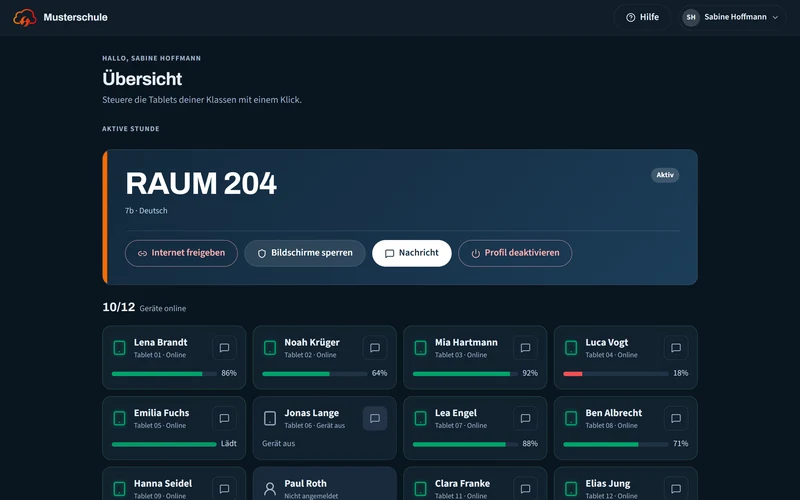
Quick actions: block internet and lock screens
During the active session the quick actions are right on the overview.
Block internet
Applies until it is allowed again or until the end of the lesson.
Lock screens
Locks the screens of the class once.
Message
To the whole room or to a single student.
For school IT
EDU Control builds on the SOTI MobiControl you already run. Users and classes come from the school's directory, rooms and profiles from the MDM.
Users and classes
Built-in directory, Active Directory or LDAP, Microsoft Entra ID or Google Workspace. Sign-in with the school account, also by single sign-on via SAML or OpenID Connect. Import from CSV, TSV or Excel, with a preview before writing.
Several schools
A school authority runs several schools separately on one installation. The platform admin sets them up.
Rooms and profiles
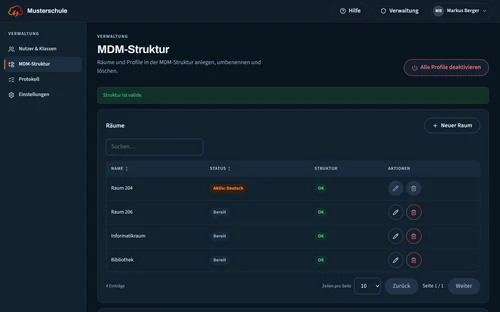
Automatic synchronisation with SOTI MobiControl. Create, rename and move rooms, categories and profiles directly in the MDM, check the structure and repair it.
Data protection
Built to collect as little data as possible, hosted in Germany or in the school's own network. Access requests under Art. 15 GDPR as one file per person. When a person is deleted, audit log entries lose the personal reference. A data processing agreement is in place before productive use.
Requirements
SOTI MobiControl
EDU Control needs a server with SOTI MobiControl and API access.
Devices
iPad, Android tablets, Windows, macOS and Linux, plus interactive flat panels (IFPD).
Operation
Hosted in Germany or on site in the school's own network.
Languages
The interface is available in German, English, French, Italian and Polish.
Book a live demo
The live demo takes place online and shows EDU Control from the teacher's and the school IT's point of view. The request goes to SurIT and to the sales partner avony AG.
Prefer email: kontakt@sur-it.de
Thank you. Your request has arrived, the reply will come by email.
The request could not be sent. Please write to kontakt@sur-it.de.